Ryan Reynolds notes that inflation is biting hard, and he cuts down the price for Mint Mobile Unlimited Premium wireless. As the owner and also a user of the brand’s products, Ryan Reynolds took to his YouTube account to announce the price slash. Being the creative and funny individual he is, Ryan found a way to make the announcement quite a joy to see.
Previously priced at $30 per month, the Mint Mobile Unlimited Premium wireless was becoming a reach for some users. This is a result of the inflation affecting the regions that have Mint Mobile coverage. The subscription price reduction to a jaw-dropping $15 is effective across all Mint Mobile offers.
Users of Mint Mobile can now enjoy this price slash while it lasts and pay less to get more. Do you use Mint Mobile and are wondering how to benefit from this price slash? If yes, you will be glad to know that there is no need for technical savvy to be able to purchase an unlimited plan from Mint Mobile at the $15 price slash.
Ryan Reynolds is cutting the price of the Mint Mobile Unlimited Premium wireless subscription
If you are a user of Mint Mobile, Ryan Reynolds has something in store for you. You can now purchase the Mint Mobile Unlimited Premium wireless plan for just $15, half of its original plan. Originally, this particular plan cost over $30 per month to purchase and was becoming a reach for most users.
But now, for just $15 per month, users can get 40GB worth of superfast data on both 5G and 4G connections. After a user uses up to 40GB of data, they can still access the internet, but their connection speed will see a drastic reduction. With this plan, users can call, text, and share data with friends via the mobile hotspot on their device which has Mint Mobile internet coverage.
Previously, users could get only the Mint Mobile 5GB per month plan for $15. That’s no longer the case, as all available subscription tiers are available for purchase at $15 per month. This offer is only available for a limited time, so if you use Mint Mobile, you can tie in to benefit from this price reduction and save yourself some bucks.
To purchase the Mint Mobile Unlimited Premium wireless plan at just $15 head over to the company’s website now. From the site, you can purchase the Unlimited Premium wireless for a month at $15 or three months at $45. Both plans save you money, and Ryan Reynolds advises that you take advantage of this opportunity if you like to save money.
Mt. Gox, once the largest Bitcoin exchange in the world, collapsed in 2014 after the theft was discovered.
The United States Department of Justice (DoJ) has unsealed indictments charging Alexey Bilyuchenko and Aleksandr Verner, both Russian nationals, with involvement in the notorious Mt. Gox Bitcoin heist in 2011.
The accused individuals are alleged to have conspired to launder approximately 647,000 Bitcoins, the majority of which were stolen from Mt. Gox, a Japanese Bitcoin exchange, causing its ultimate collapse.
Additionally, Bilyuchenko is charged with operating an unlicensed money services business related to the establishment and operation of the BTC-e cryptocurrency exchange, which facilitated money laundering activities for cybercriminals globally.
The charges against Bilyuchenko and Verner were announced by various law enforcement agencies, including the Southern District of New York, the Northern District of California, the Internal Revenue Service-Criminal Investigation (IRS-CI), the Federal Bureau of Investigation (FBI), the U.S. Secret Service (USSS), and Homeland Security Investigations (HSI).
According to the indictments, Bilyuchenko, Verner, and their co-conspirators gained unauthorized access to Mt. Gox’s server, which held the cryptocurrency wallets of its customers.
This unauthorized access allowed them to fraudulently transfer bitcoins from Mt. Gox’s wallets to their own Bitcoin addresses. The stolen bitcoins, amounting to approximately 647,000, were then laundered through various means, including the establishment of the BTC-e exchange, where they could be exchanged for other cryptocurrencies or converted into fiat currencies.
It is worth noting that in July 2017, as reported by Hackread.com, Greek authorities managed to arrest Alexander Vinnik, who was 38 years old at that time, the co-owner of BTC-e over money laundering allegations. The authorities also suspected Vinnik’s involvement in the Mt. Gox hack.
The DoJ highlighted the significant impact of the defendants’ actions, as the stolen funds from Mt. Gox contributed to the exchange’s insolvency. With the ill-gotten gains, Bilyuchenko allegedly played a role in setting up the BTC-e exchange, which became a major hub for cybercriminals to launder their illicit proceeds.
The indictments further reveal that Bilyuchenko and Verner engaged in a money laundering scheme using an advertising contract with a New York-based bitcoin brokerage service. Through this scheme, wire transfers were made into offshore bank accounts controlled by the defendants, while the New York Bitcoin Broker received “credit” on Exchange-1, a platform used for laundering the stolen bitcoins.
Mt. Gox, once the largest bitcoin exchange in the world, collapsed in 2014 after the theft was discovered. Its CEO, Mark Karpelès, was later arrested and convicted in Japan on charges of data manipulation. The recent charges against Bilyuchenko and Verner shed further light on the sophisticated cybercriminal operations that led to Mt. Gox’s downfall.
If convicted, Bilyuchenko and Verner face severe penalties. Bilyuchenko faces a maximum prison sentence of 25 years for operating an unlicensed money services business in the Northern District of California and an additional 20 years for conspiracy to commit money laundering in the Southern District of New York. Verner faces a maximum sentence of 20 years if found guilty of conspiracy to commit money laundering in the Southern District of New York.
No matter your phone, nothing is better than a good case. The best cases are the ones that provide more than just protection. Peak Design, a premium case maker, just released a case for the Pixel 7a. This case not only protects the phone but also adds the popular MagSafe technology to it.
In case you’re curious about this phone, Android Headlines recently did a review on it. It’s smaller than the Pixel 7, but it still leverages the same Tensor G2 processor. Just like with the Pixel 6a, the Pixel 7a is very similar to its larger siblings. It’s a great phone to have at its price of $499. In fact, it’s one of the best phones in its price range. If you’re thinking of ordering this device, check the link below
Peak Design brings an amazing MagSafe case to the Pixel 7a
This case is called the Everyday Case, and the Pixel 7 and Pixel 7 Pro have already gotten their own. Now it’s time for the Pixel 7A. This is a sturdy case made from high-quality materials that will keep your phone safe.
The case has an ultra-light polycarbonate body that is surrounded by a rubberized shock-absorbing bumper. On the outside, there is a strong nylon canvas fabric shell. It’s made of 100% recycled materials, and it helps protect against water. If you are using this case, then there’s no doubt that your phone will be well protected.
What’s notable about this case is that it provides the well-sought-after MagSafe technology. This allows it to connect magnetically to chargers and other accessories. Imagine putting your phone on a wireless charger, and not having it slip off. The magnets, according to 9To5Google, are very strong.
This Peak Design case is well suited to fit the Pixel 7a. This means that, unfortunately, you cannot use it with your Pixel 6a. These two phones are very similar in size, but they’re not close enough. If you are interested in picking up this case, you can get it from the Peak Design website. It costs $39.99.
Most likely, your phone comes with a feature called “Adaptive Brightness”. This will automatically adjust your screen’s brightness, so you don’t have to constantly do it. It’s a useful feature, but not everyone really knows how to access it or what it’s for. Well, don’t worry. We’re here to tell you how to use Adaptive Brightness.
We’re also going to tell you why you even need this feature. Who knows, you might find it useful and start using it yourself. If you’re looking for some other neat Android guides, you can check the shortlist below.
What is Adaptive display?
So, before we get into how to use this feature, let’s talk about what it is. Adaptive display is a feature that will automatically adjust the brightness of your display. It’ll do this based on how much light is present in your environment.
If you’re in a dim environment, then there’s no reason to have your phone at full brightness. The system will dim the screen. But, if you move to a brighter location, then it will raise the brightness accordingly.
In order for it to work, you’ll need to have your front-facing camera uncovered. That’s how it’s able to see how much light is in your environment. If it’s covered, then your phone will think you’re in a pitch-black void and lower the brightness accordingly.
Why is Adaptive Brightness useful?
There’s no point in learning how to use this feature if you don’t know why it’s there in the first place.
Battery savings
The main reason for this feature has to do with battery savings. Plenty of people keep their phone’s brightness at 100% all the time. While that’s good for some scenarios, it’s not necessary when it’s nighttime or when you’re in a dark environment. Having your phone at full brightness when it’s dark is just a waste of battery.
The system is set to adjust the brightness to a comfortable level based on the environment’s lighting condition, the ambient light. It’s hard to notice, but there are plenty of times during the day when you just don’t need your phone that bright.
Comfort
The other reason has to do with comfort. Not everyone is comfortable with having their phone at full brightness. So, they tend to keep their brightness at a lower level. The Adaptive Brightness can keep it at a level that’s just right so they don’t have to constantly adjust the brightness whenever they go outside.
How to use Adaptive Brightness
Now, let’s talk about how to fully utilize this feature. Accessing Adaptive Brightness can be different depending on the maker of your phone. Some phone makers put the option for Adaptive Brightness right under the brightness slider.
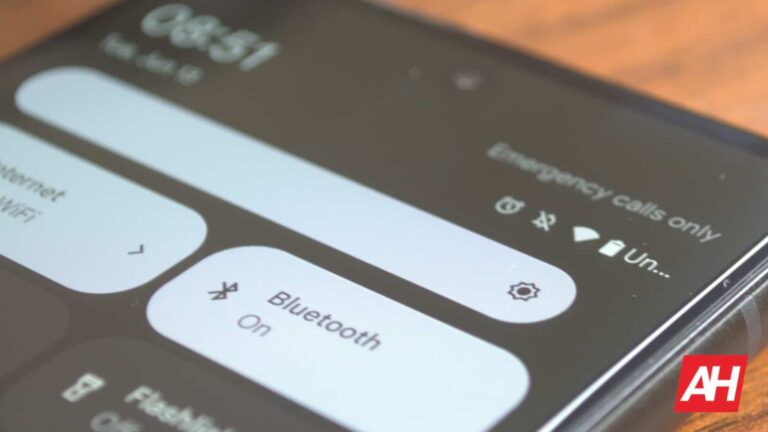
If you pull down the notification shade and look at your brightness slider, there’s a chance that you’ll see a little checkbox that you can select. When you do, your phone will instantly enable the setting.
If you’re using a phone with stock or near-stock Android, then you most likely won’t have this option. Instead, you’ll need to go to the actual display settings.
In the notification shade, tap on the gear icon to get to your settings. Then, scroll down to the Display section. In the current version of stock Android, the Adaptive Brightness option should be the second from the top. You’ll see a toggle right next to it. Just tap on the toggle, and you’ll see your screen brightness change according to the ambient light.
Teaching the system
So, the system will adjust the brightness for you, but there’s no guarantee that it will choose the perfect brightness for you. It might be a little too bright or dark for your taste. However, with some devices (we know that Pixel phones do this) you’re able to “teach” the system your preferences.
When you enable Adaptive Brightness, you’ll still be able to move the brightness slider. It will adjust the brightness accordingly. If you do this, the system will start to learn your preferences.
So, if the system adjusts the brightness a little too low for the environment, you’ll just raise it a bit, and the system will learn that you want it at that brightness in those lighting conditions.
Other display settings
So, that’s how you access and use the adaptive display, but there are other settings that you can adjust to make your smartphone experience better. Starting off, we have the screen timeout time. This is the amount of time it takes for your screen to turn off after you stop using the phone.
You will want to adjust this setting especially if you tend to leave your phone unattended for long periods of time. You can set your phone to go to sleep after just a few minutes if unused. This will lead to battery savings.
If you like to read on your phone a lot, then you might want to use the blue light filter. This is the name of the general function, but it goes by many other names depending on the manufacturer. It could be called “Night light”, “Reading Mode”, etc.
What this feature will do is filter out the blue light coming from your screen. Doing this makes the screen more comfortable to view. Also, studies show that watching a screen with a lot of blue light makes it harder to sleep at night. So, if you’re reading before bed, you might want to enable it.
In an interconnected world driven by advanced technology, the threat of cyber-espionage looms large, with governments increasingly becoming prime targets. The Asia-Pacific (APAC) region, home to bustling economies and geopolitical complexities, finds itself at the center of this silent war.
From targeted attacks on critical infrastructure to the manipulation of sensitive information, such cyber campaigns can have far-reaching implications for regional security.
In this article, Cyber Security…
We are now knee-deep in the testing stage for Android 14, and there’s a lot of exciting stuff coming. Among the companies set to load Android 14 onto their phones, we have Oppo. Oppo just shared which of its phones will be getting Android 14, and it’s a fair amount.
Right now, Oppo is going through a bit of trouble in Europe. The company is no longer allowed to sell its devices in Germany, and it looks like France may be next on the list. However, the company is still able to sell its devices and other European countries, so folks in those countries will be getting the update.
A bunch of Oppo phones will be getting Android 14
One of the most important things about a smartphone brand is how long it keeps its devices updated, and Oppo is doing a good job of that. The company shared which of its phones will be getting Android 14.
These phones are the Oppo A98, A78, A77, A57, Reno 8, Reno 8 Pro, Reno 8T, Reno 7, Find X5, Find X5 Pro, and Find X3 Pro. These involve some of the latest devices from Oppo and some phones from a little while back.
We are not quite sure when Oppo is going to officially release the updates for these devices. We still have to wait for Google to launch the stable version of Android 14. However, we expect the update to land on these phones before the year is out.
Now, the list seems to be missing a certain device. That device is the Oppo Find N2 Flip. This is the company’s clamshell foldable phone and we all would expect it to be on the list. However, according to Android Police, we should still expect to see the update hit that phone before the end of the year.
If you are an Oppo fan, then there’s a lot of great stuff coming down the pipeline for you, so stay tuned.
Apple’s new MacBook Air 15 should be arriving today to those that pre-ordered, but there’s some bad news in the air, unfortunately.
According to Mark Gurman, a highly respected and accurate Apple leaker, the company is working on an M3 MacBook Air that should be releasing next year.
This should not come as a surprise, as Apple did just announce the last of the M2 family of chips, in the M2 Ultra at WWDC last week. And M3 is the next logical move for the company. So why all the fuss about it being outdated soon? Well, the M3 is set to be a major jump in a lot of areas.
The rumor mill had pointed to the MacBook Air 15 launching with the M3 chipset, up until about a month ago. That seemed kind of odd, considering the M2 Ultra hadn’t been announced yet. Then we started seeing rumors about the MacBook Air 15 launching with the M2 instead. Which is indeed what is happening.
Why you might want to wait for an M3 MacBook Air
With the M2, it was a pretty modest upgrade over the M1 chipset family. But the M3 is set to be a much bigger upgrade, this is because it would be using TSMC’s 3nm process. That’s going to make the chip smaller, more powerful and energy efficient. So we’re likely to see much larger jumps in performance and batter life, compared to the M1 to M2 jump.
Unsurprisingly, the M3 is expected to sport the same number of CPU and GPU cores though, at 8-core and 10-core. Which is perfectly fine. That’s still plenty of computing power for a thin and light laptop like the MacBook Air.
The skinny of it is, if you need a new laptop now, but one now. If you can wait til next Spring or maybe next June for WWDC for a new M3-powered MacBook Air, then I’d say to wait. As that will probably be the last huge performance upgrade for quite a few years.
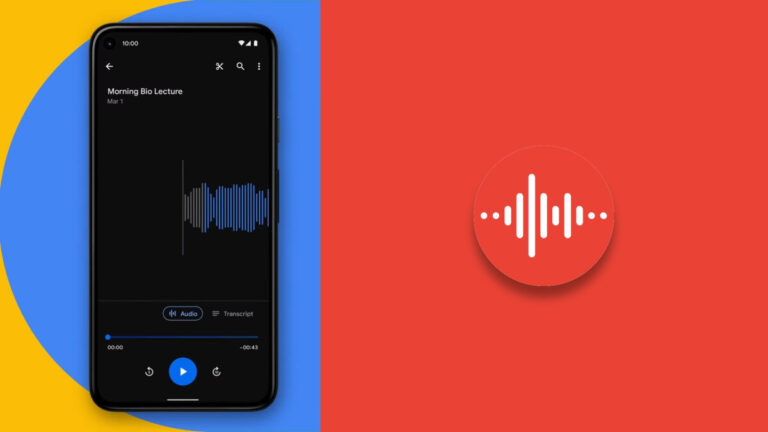
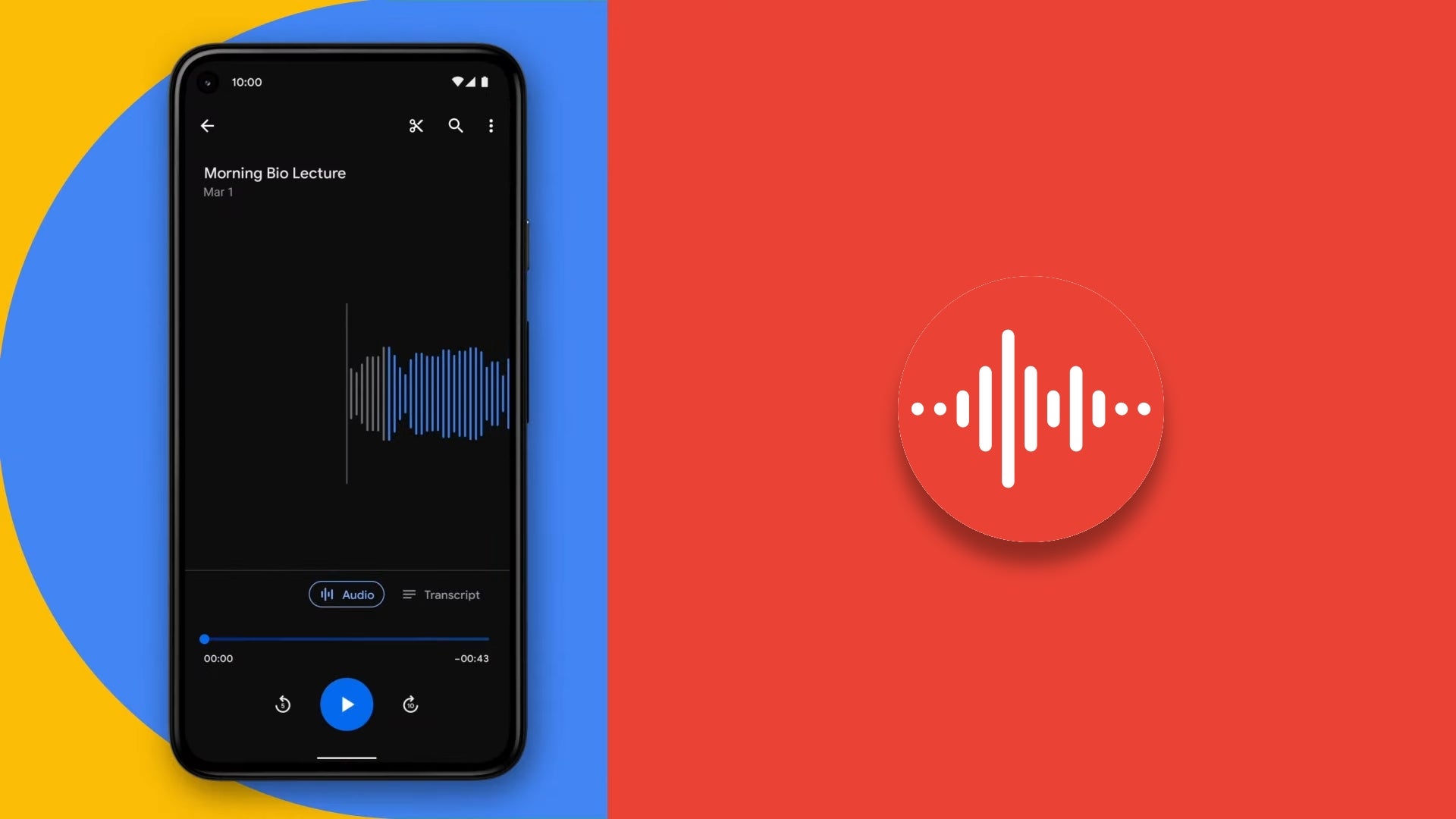
Google’s Pixel Recorder app, with its impressive and best-in-class voice memo capabilities, is designed to be a powerful tool for recording meetings, lectures, and pretty much anything you can think of. However, according to a new interview with a Google Product Manager the one thing people use the app the most for is short memos.
The aforementioned interview took place on the Made by Google Podcast with Kristi Bradford, Product Manager for the Pixel Essential Apps team. The Pixel Essential apps are basically those Made by Google apps that are a staple in every Pixel smartphone, such as the Clock, Calculator, and Recorder.
Dubbed “the unsung heroes of Pixel,” Bradford’s team put a lot of care into making the Pixel Recorder app different from others out there, turning it essentially into a live transcript application rather than just a voice recorder. The app uses a machine learning model that, based on the language that you are speaking, transcribes, targets different speakers, and labels them accordingly. It is also a beautifully designed app.
However, even with the success of the app and the positive feedback it has received, Bradford’s team did have their doubts at one point and wondered if the app would just essentially become a glorified grocery list. Turns out that hasn’t been the case.
According to surveys the team has done, what they have found is that the majority of the recorder sessions turn out to be three minutes or less. Bradford attributes this to people using the app to brainstorm things like rap lyrics or to record voice overs, all in bite size chunks. There was even one instance in which a user claimed that the app was perfect for recording supernatural sounds while ghost hunting.
Pixel Recorder is a versatile app that can be used for a variety of purposes. However, it is clear that most Pixel owners prefer to use it for short memos. This suggests that the app is well-suited for this purpose and that Google is on the right track with its development.
It was announced only a week ago, but the new MacBook Air 15 is already on sale over at Amazon. It’s a mere $50 off, which isn’t a lot, but it’s still a discount. Considering it is available in-store starting today. That’s pretty incredible.
The MacBook Air 15 M2 is a powerful and versatile laptop that is perfect for students, professionals, and creatives. It features the latest M2 chip from Apple, which delivers up to 18% faster CPU performance and 35% faster GPU performance than the previous generation. This makes it ideal for demanding tasks such as video editing, graphic design, and gaming.
The MacBook Air 15 M2 also features a stunning 15.6-inch Retina display with a resolution of 2560×1600 pixels. The display is bright, sharp, and colorful, making it perfect for watching movies, playing games, and working on projects.
In addition to its powerful performance and stunning display, the MacBook Air 15 M2 is also incredibly thin and light. It measures just 0.63 inches thick and weighs just 3.5 pounds, making it easy to carry with you wherever you go.
The MacBook Air 15 M2 also features a long-lasting battery that can provide up to 18 hours of battery life on a single charge. This means that you can use it all day long without having to worry about running out of power.
Overall, the MacBook Air 15 M2 is an excellent choice for anyone looking for a powerful, versatile, and portable laptop. It is perfect for students, professionals, and creatives who need a laptop that can handle demanding tasks and still be easy to carry with them.
Here are some of the reasons why you should buy the MacBook Air 15 M2:
Powerful performance: The M2 chip delivers up to 18% faster CPU performance and 35% faster GPU performance than the previous generation, making it ideal for demanding tasks such as video editing, graphic design, and gaming.
Stunning display: The 15.6-inch Retina display has a resolution of 2560×1600 pixels and is bright, sharp, and colorful, making it perfect for watching movies, playing games, and working on projects.
Incredibly thin and light: The MacBook Air 15 M2 measures just 0.63 inches thick and weighs just 3.5 pounds, making it easy to carry with you wherever you go.
Long-lasting battery: The MacBook Air 15 M2 can provide up to 18 hours of battery life on a single charge, so you can use it all day long without having to worry about running out of power.
If you are looking for a powerful, versatile, and portable laptop, the MacBook Air 15 M2 is an excellent choice.
Generative AIs and ChatGPT have truly become the talk of the town, with every company making efforts to integrate artificial intelligence into their workflow to streamline their operations. Therefore, it was only a matter of time before we saw generative AIs making their way into our phones. Now, in a recent development, Infinix, the Chinese smartphone manufacturer, is planning to leverage the power of ChatGPT to create its own digital voice assistant named Folax.
The company will debut its ChatGPT-enabled assistant with the launch of the Infinix Note 30 series in India, and according to the renowned Twitter leaker Ice Universe, who also shared a screen recording that showcased Infinix’s ChatGPT-powered voice assistant, this move has the potential to change the whole landscape of digital assistants. In the demonstration video, a user asked Folax for gift ideas for her daughter, and it generated a response similar to ChatGPT-powered Bing searches.
“While the OpenAI’s ChatGPT app has already been launched, embedding ChatGPT into a phone is groundbreaking. When combined with the voice assistant Folax, ChatGPT will give Siri a run for its money,” said Ice Universe.
A new era of digital assistants
Although some argue that this move is not entirely groundbreaking, as it involves integrating an existing AI model instead of developing a proprietary one, it is important to note that by leveraging existing AI models like ChatGPT or Google Bard, companies can invest crucial time and resources in other areas, ultimately bringing the cost down and providing an even better experience to users. Therefore, if Infinix can provide a seamless and intuitive voice assistant through this integration, it will be a win-win situation for both the brand and its customers.
The highly anticipated Infinix Note 30 series will launch on June 14, and the company has already disclosed some key features of the device, including JBL sound, an improved 108 MP camera, a 6.78-inch FHD+ 120Hz display, and a fast-charging 5,000 mAh battery. However, it is important to note that the phone will be exclusive to India for the time being.